
Pharma & medical representatives
Bring doctor, clinic, pharmacy, and stockist visits into one field-day record. Medical representatives can log visit outcomes and follow-up notes; managers can review territory activity and travel.
Manage customer visits, GPS field staff tracking, and service work orders in one place. Built for pharma, FMCG distribution, delivery, and field service teams, HRSaathi GO connects work on the road with your manager dashboard.
Explore a sample field day
Visits
Customer records
Routes
Travel history
Proof
Geo-tagged activity
2
Operating modes (Field Day & Tasks)
6
Proof & verification types
Live
Team Radar & map tracking
History
Routes & activity records
Made for teams beyond the desk
Bring doctor, clinic, pharmacy, and stockist visits into one field-day record. Medical representatives can log visit outcomes and follow-up notes; managers can review territory activity and travel.
Give distributor sales teams a record of retailer and dealer visits. Capture outlet photos, visit notes, collections, and travel expenses so supervisors can review daily market coverage.
Follow delivery staff during active field work, review trip routes, and capture customer handover proof. Keep collection records and delivery-related expenses alongside the day's activity.
Assign customer work orders to appliance, equipment, and maintenance technicians. Review job status, location-tagged photos, and completion evidence from the manager dashboard.
Help relationship managers and collection teams record customer meetings, visit outcomes, and follow-up context. Review field activity and collection logs in one place.
Coordinate customer installations, maintenance visits, and site inspections. Assign field tasks and keep photos, notes, travel records, and completion proof linked to the work.
See who is in the field, which work orders need attention, and what happened at each customer visit. Review travel reports across All Time, financial years, or a custom date range, then export to Excel.
Manager workspace
8
On field
24
Visits
126 km
Travel
42 hrs
Field time
Customer visit recorded
Sample retailer · Follow-up note added
Real-time tracking of field hours, travel distance (meters/km), logged activities, and customer visits with instant “My field day” initiation.
Track assigned customer tasks across Today, In Progress, Delayed, and Completed stages with completion progress and optional OTP verification.
Review recorded field time, distance, and visits for the period you need. Open travel reports for All Time or custom dates and export the details to Excel.
One-click Live Map reveals current team member locations, team pulse (active vs idle), stoppage logs, and route replay context.
Explore a field day
Follow a distribution representative through four everyday workflows. This interactive illustration uses sample activity, not a customer testimonial or a live app session.
09:00 · Begin the route
A distribution representative starts field work in the HRSaathi app before visiting retailers. Location capture follows the company's configured tracking policy.
Give the team a consistent way to record the working day.
Step 1 of 4 · Select a step to explore.
HRSaathi GO Operating Models
Whether your team runs open customer visits or assigned service jobs, HRSaathi GO supports both workflows in the same app.
HRSaathi GO Daily
Employees tap 'My field day' once in the HRSaathi app to start. They record visits, photos, videos, collections, expenses, and notes as the day happens—no pre-created assignment needed.
HRSaathi GO Tasks
Managers dispatch customer tasks with assignees, priority, estimated duration, location coordinates, OTP controls, and verified completion requirements.
The Complete Platform
From customer activity and supporting files to travel reports and tracking policies, keep the field-work context together.
Use the media library to find field files without scrolling through chat attachments.
Choose the reporting period that matches your review and take travel details into Excel.
See field hours, travel distance, and team status together so you know where to focus your follow-up.
Field execution in the same HRSaathi app to start trips, handle work orders, and attach media proof.
Assign customer work orders and review recorded routes with activity and stopover context.
Choose tracking policies and review last-reported device health to spot GPS, permission, or sync issues.
Proof that travels with the work
Keep visits, collections, expenses, and media together in the field-day timeline. Review the customer context and captured location where available, with manual entries clearly distinguished from captured activity.
Record the customer, outcome, location, notes, and follow-up context.
Capture visual proof with the location and field-work timeline attached.
Collect richer proof with configurable video duration, audio, and geo-stamping.
Log customer collections against the field day for cleaner reconciliation.
Record field expenses where the work happens instead of chasing them later.
Keep observations, updates, and supporting files in the same activity trail.
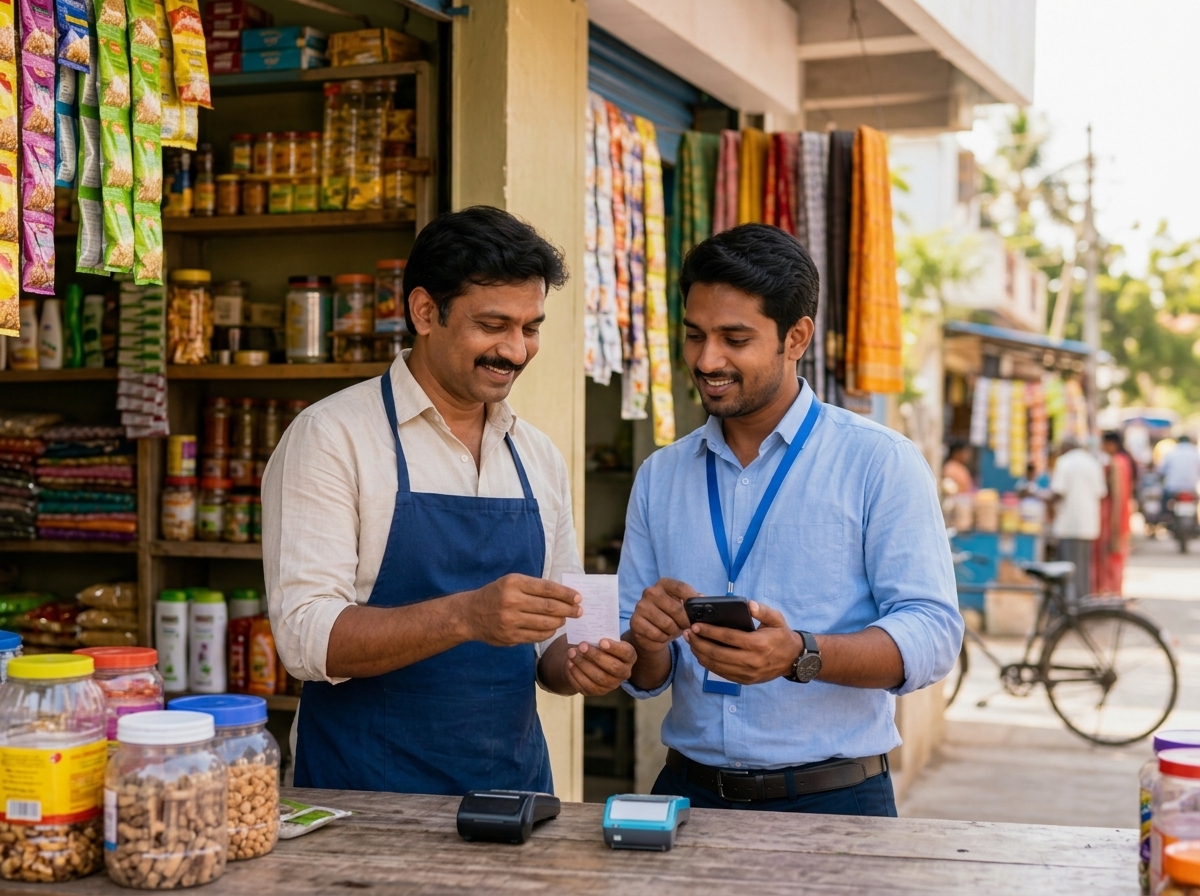
Built for trust, not invisible surveillance
HRSaathi GO empowers administrators to set transparent rules. Choose when location is captured, control whether attendance starts automatically with Field Work, and monitor device readiness.
Capture location strictly at check-in, customer activities, and check-out—or throughout an active field day.
Set operating rules centrally, then assign tailored field tracking policies by role, department, or individual.
Review last-reported battery, GPS, permission, and sync status to identify devices that need attention.
Field staff use the HRSaathi app (iOS and Android) while managers review reported activity on the web.
HRSaathi GO Add-on
Requires a Growth subscription (minimum 15 users), billed separately. GO has a minimum of 5 active field users; only staff assigned to GO are billed for the add-on.
No. Last 12 months is a dashboard reporting preset, not a limit on the reporting period. Field-work and travel-report screens include All Time, financial-year, and custom-date options so you can review your recorded history for the period you need.
Field force management software helps businesses coordinate employees who work at customer locations. HRSaathi GO brings field staff tracking, customer visit records, work orders, route history, and geo-tagged proof into the HRSaathi app and manager dashboard.
Yes. Medical representatives can record doctor, pharmacy, and stockist visits, while distribution teams can log retailer visits, photos, collections, and expenses. Managers can review these activities alongside field time and travel records. Discuss your specific reporting needs during a demo.
A field day suits employees who make several customer visits without a separate assignment for each visit. A work order is an assigned customer task with an owner and a status, suited to service, installation, or delivery work. HRSaathi GO supports both workflows.
No. Administrators can configure action-based location capture or continuous tracking during an active field day. Choose the policy that fits the work and explain it to employees before rollout.
HRSaathi GO is an add-on to the Growth plan at ₹30 per active field user per month, with a minimum of 5 active field users. The Growth subscription is billed separately and has its own minimum of 15 users. See the pricing page for the complete plan details.
HRSaathi GO is part of the HRSaathi platform. Field staff use the mobile app for their field day, visits, proof, collections, and expenses, while managers review activity on the web. Attendance behaviour can be configured through field-work policies.
Explore GPS attendance, expense management, and GO pricing to plan your rollout.
See the live dashboard, field workflows, customer tasks, and team radar in action with your own business policies.
Launch your HRSaathi GO demo